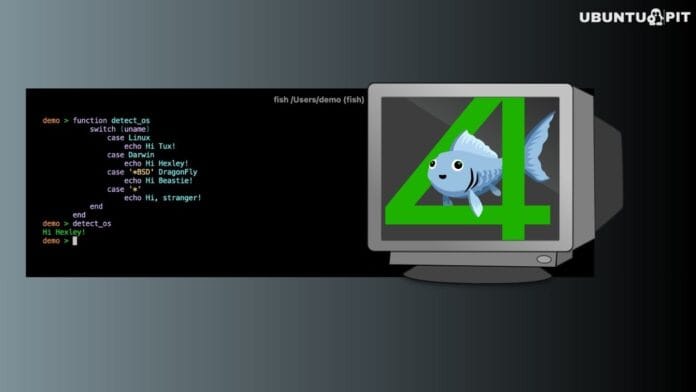
Fish Shell 4.6 is now available, and this update is less about big features and more about fixing small but noticeable annoyances in everyday terminal use. If you use Fish daily, this release quietly makes things feel more polished.
One of the biggest improvements is how the shell handles emojis. Earlier, emoji characters could mess with alignment in the terminal, especially inside prompts or command outputs. With this update, emoji width handling has been improved, so things stay properly aligned even when emojis are involved.
It might sound minor, but if you use a customized prompt or modern terminal themes, this actually makes a difference.
Speaking of prompts, there are also updates around customization. Fish has always been known for being user-friendly, and this version continues that by making prompt behavior more flexible and predictable, especially when dealing with different character types or layouts.
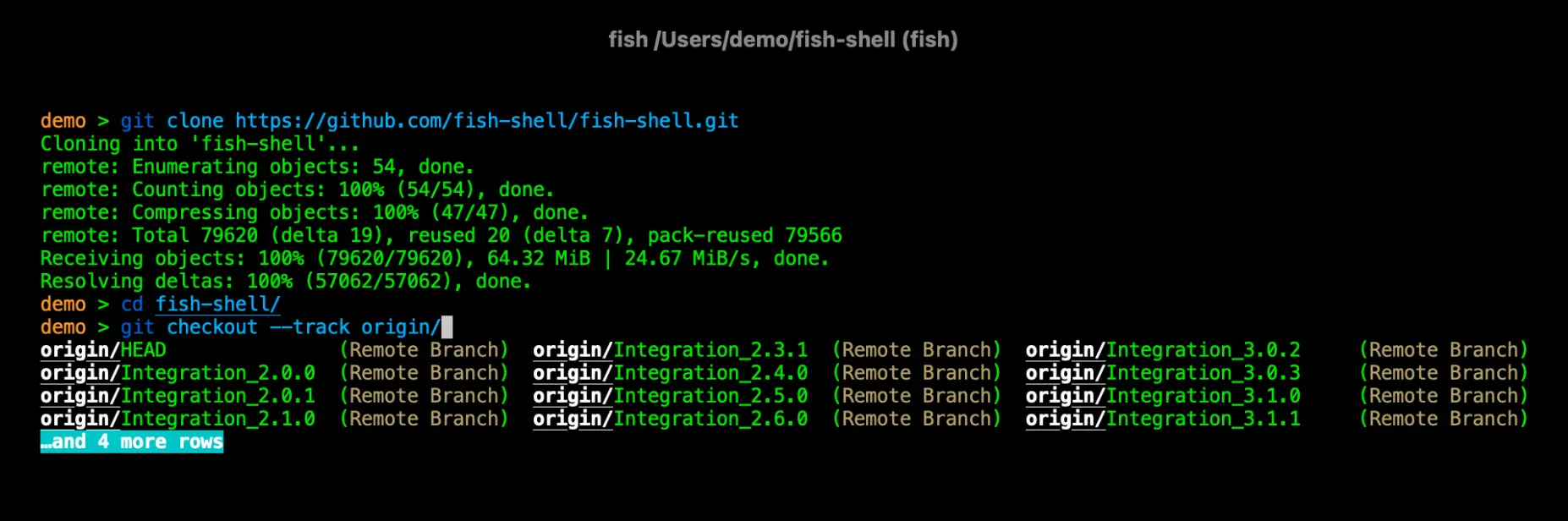
If you’ve ever built your own prompt, you’ll likely notice the improvements.
Another key change is better compatibility with Bash-style behavior, particularly when working with pipes. Fish doesn’t fully follow POSIX rules by design, but this update improves how it interacts with commands written with Bash in mind.
For example, handling pipelines is now more consistent:
# Bash-style pipeline
cat file.txt | grep "text" | sort
Fish already supported this, but now edge cases and behavior differences have been improved, making it easier to reuse commands without rewriting them.
This is especially useful if you switch between shells or run scripts that weren’t originally written for Fish.
Under the hood, there are also general refinements that improve how the shell behaves in different terminal environments. These aren’t always visible, but they help make Fish feel more stable during longer sessions.
If you’re new to Fish, it’s worth remembering that it’s designed differently from traditional shells. Instead of strict compatibility, it focuses on better defaults, smarter suggestions, and easier interaction.
For example, setting variables works like this:
set name "Alex"
echo $name
No need for = like in Bash, which makes things a bit cleaner once you get used to it.
Fish also avoids some common pitfalls found in older shells, like unexpected word splitting. That’s part of why many users prefer it for interactive use.
This release doesn’t try to change how Fish works; it just refines it. With better emoji handling, improved compatibility, and smoother prompt behavior, version 4.6 makes the shell feel a bit more reliable without adding unnecessary complexity.
If you want to explore all the technical details or grab the latest version, you can check the official release page.