The Zen Browser project has released version 1.19.3b, bringing a set of usability improvements and fixes for its Firefox-based browser. The update focuses on refining tab interactions, introducing new features, and improving overall stability across supported platforms, including Linux.
Zen Browser continues evolving as a productivity-focused web browser built on Mozilla’s Gecko engine. The development team shared details of the latest build through the official GitHub release page and App’s main page, outlining improvements aimed at smoother tab workflows and better user experience.
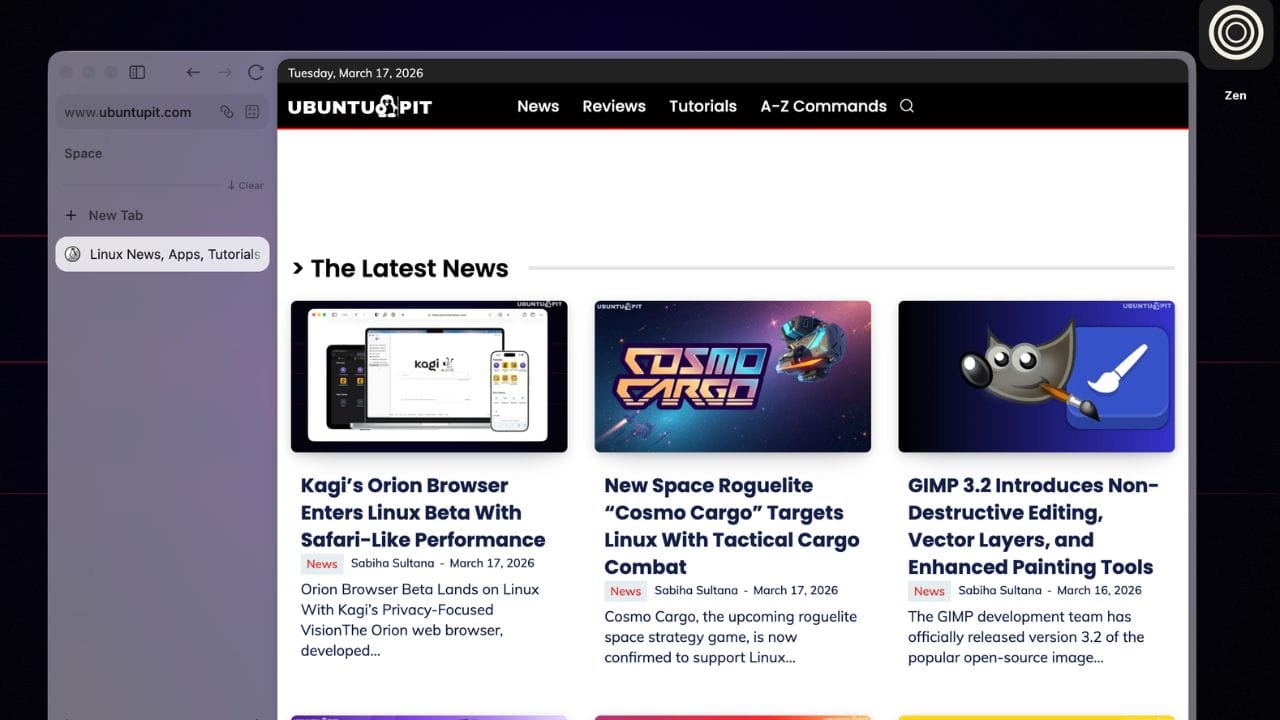
Zen is an open-source browser derived from Firefox and designed with an emphasis on customization, privacy, and efficient workspace management. Its interface prioritizes modern tab organization tools such as vertical tabs, workspaces, and split views to help users manage multiple tasks within a single window.
The latest release introduces several improvements to browsing workflows while maintaining compatibility with Firefox’s ecosystem and technologies.
The browser has been updated to the Firefox 148.0 codebase, bringing newer upstream improvements and security updates.
One of the notable additions in this version is a feature designed to streamline how users track dynamic content inside the browser’s sidebar. The update introduces a system for automatically populating folders with content sources such as development tasks or feeds.
New “Live Folders” can automatically gather items like GitHub issues, pull requests, or RSS feeds, allowing users to monitor updates without manually organizing them.
The release also refines Zen’s tab interaction system. Improvements to how tabs interact with each other aim to make multitasking smoother, especially for users who rely heavily on split views and workspace-based navigation.
Dragging one tab over another now enables a quick option to split them into a shared view, making it easier to compare or work across multiple pages simultaneously.
Beyond new features, the update includes several fixes that address interface behavior and overall stability. Developers resolved issues affecting private browsing windows and corrected problems where certain pop-up windows failed to appear correctly.
According to the release notes, these fixes are part of a broader effort to refine Zen’s performance and reduce friction in everyday browsing sessions.
Various bug fixes and performance adjustments were also included, helping improve reliability across different operating systems.
Zen Browser has gained attention among users looking for alternatives to mainstream Chromium-based browsers. Because it is built on Firefox technologies, it remains compatible with many Firefox extensions while offering its own distinctive interface design and workflow features.
The browser is available for Linux alongside Windows and macOS, with packages distributed through formats such as Flatpak, AppImage, and standalone archives depending on the platform.
With version 1.19.3b now available, the Zen team continues refining its approach to a more organized and customizable web browsing environment, gradually expanding features that aim to improve productivity while keeping the browser lightweight and privacy-focused.