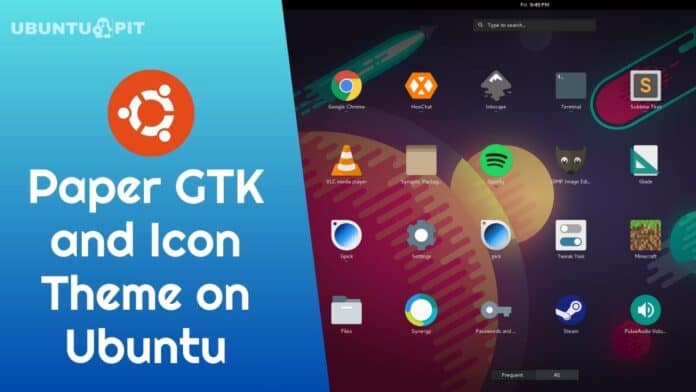
Paper Icon Theme is a popular and modern Ubuntu desktop theme. This theme is inspired and based on Google’s material design. However, some aspects are adjusted for the best suite of the desktop environment. The paper icon theme demands at least GTK 3.16 for better integration.
This theme comes with clean code and can be installed via daily PPA. The paper icon theme supports all Ubuntu, Linux Mint, Elementary OS, Peppermint, Deepin, and other Ubuntu-based systems.


Install Paper Icon and GTK Theme in Ubuntu Linux using official PPA:
sudo add-apt-repository -u ppa:snwh/ppa
sudo apt-get update
sudo apt install paper-icon-theme
sudo apt install paper-gtk-theme
Install From Source (GIT) :
Paper icon theme:
git clone https://github.com/snwh/paper-icon-theme.git
cd paper-icon-theme
./autogen.sh
make
sudo make install
Paper desktop theme:
git clone https://github.com/snwh/paper-gtk-theme.git
cd paper-gtk-theme
./autogen.sh
make
sudo make install
For more information, follow How To Use Themes and Icons on Various Linux Desktops.
The paper icon theme is designed following Google’s material design. The icon is flat, which will remind you about the Android OS.
Would you mind doing me a sweet favor and tapping the Social Share Button if you learned something new? It’d mean so much to me. Thanks again for spending part of your day here. Hope to see you come back. 🙂



My friend, why on earth are you suggesting to install a theme whose last update from the developer is 4 years ago and so a lot of gnome versions ago?
it does not work
use this: –
1. sudo add-apt-repository ppa:snwh/ppa
2. sudo apt-get update
3. sudo apt-get install paper-icon-theme
It worked for me.