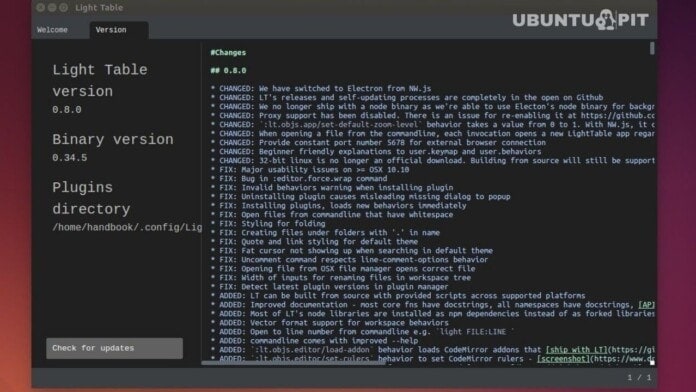
IDE- integrated development environment is an application for software engineering development. The Light Table is one of the new and best IDEs for Linux. It’s an open-source and cross-platform IDE. Robert Attorri and Chris Granger, the creators of Light Table, developed it primarily in ClojureScript. But later, they’ve intended to develop Javascript and Python support also. There’s a claim of programming time reduction by up to 20%.
It actually allows real-time feedback from its users and software developers in the Light Table community. You can also embed running visualization, games, and even graphs. Its developers designed it with a beautiful and sophisticated layout. It welcomes new ideas smartly and also provides you instant feedback on your code. This can help you understand your code efficiently.
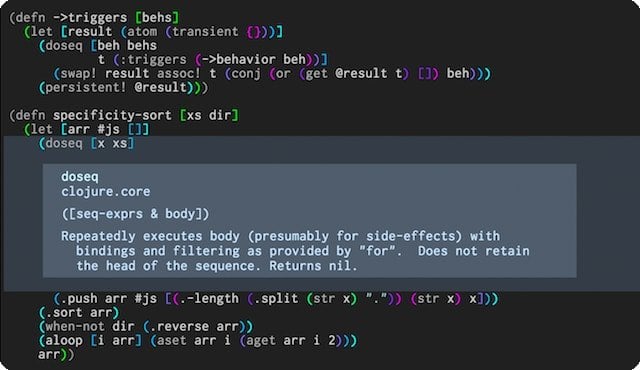
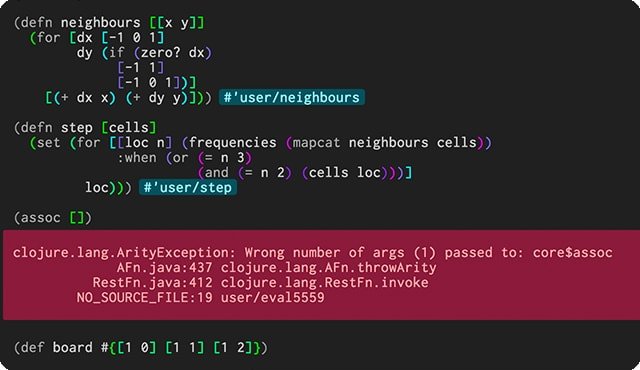
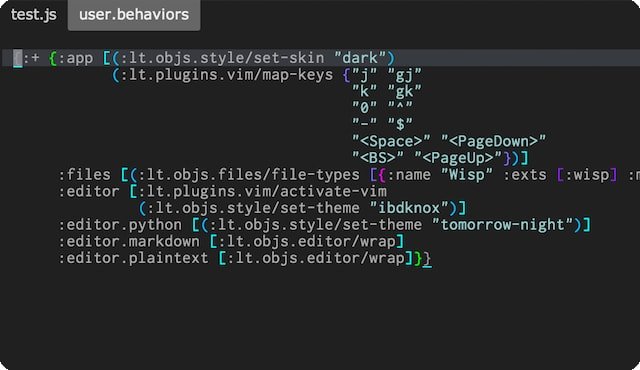
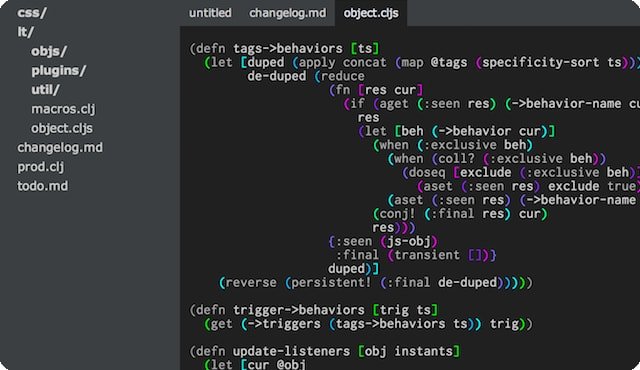
Important Features
- A flexible and customizable IDE with keymaps and a Behavior-Object-Tag engine.
- Offers free download and installation.
- It comes with the watches, the tracking system of essential code values.
- It offers an opportunity to connect with different Light Table users.
- Help users to follow Light Table’s roadmap.
- Includes file tree, navigation pane, and command pane.
- Provides inline code evaluation—no need to see results by printing the console.
- Smooth and lightweight interface with high-quality editing functions and power.
- Eliminates internet surfing for hunting, downloading, or installing via the plugin manager.
- Informs users about its latest updates.
Download Light Table IDE for Linux
Final Words
This editor can be the perfect combination of customizable and reliable IDE. This is a cool IDE for the people who think out of the way and live a life full of creativity. Light Table can be the platform where your ideas will be able to fly freely. It will also assist you with indentation, intelligence, syntax highlighting, and auto-completion. Just give it a try. It will make you its lifetime fan.
What do you think about this article? Please share your thoughts and ideas with us by leaving comments below. Don’t forget to share this on social media if it’s helpful.