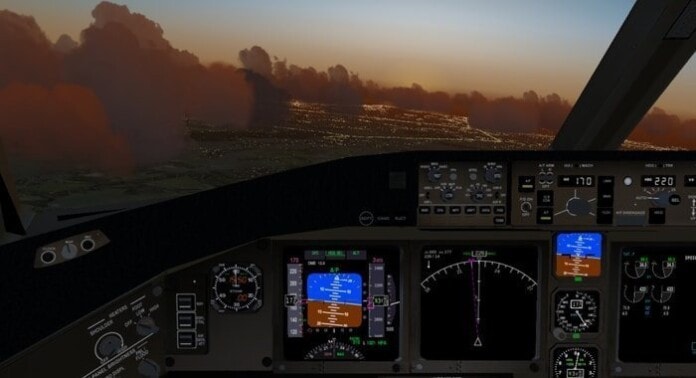
FlightGear is one of the best free and open source desktop flight simulators available in the market. This simulation software supports all the dominant OS, including Windows, macOS, and Unix-based systems. FlightGear is developed and maintained by a worldwide community to create the most realistic flight simulator for everyone as a free and open source.
It has been used throughout the globe by flight simulator enthusiasts for various purposes like research or academic environments, pilot training, an industry engineering tool, and, naturally, fun. FlightGear is a realistic and challenging simulator based on a sophisticated and open simulation framework. Moreover, the flight simulation experiences can be expanded and improved by the contribution of anyone interested.
Main Features Highlighted
- Free and Open source.
- Supports Cross-Platform (Mac, *nix, Windows).
- More than 400 aircraft and a worldwide scenery database.
- Multiscreen and multiplayer environment.
- Highly configurable and supported by the active community.
- Flight Dynamics Models.
- Accurate and Detailed Sky Model.
- Flexible and Open Aircraft Modeling System.
- Moderate Hardware Requirements.
- Networking options.
- Improved support for add-ons and active volcanos.
- User experience improvements to the launcher.
- Improved control for aircraft carriers.
- Improved “Classic theme” with better fonts and colors.
- Active Volcanos, including Kilauea, Stromboli, and Etna.
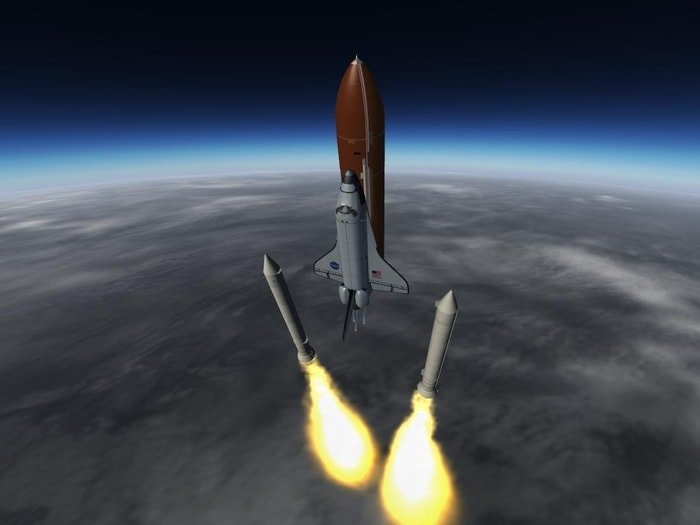

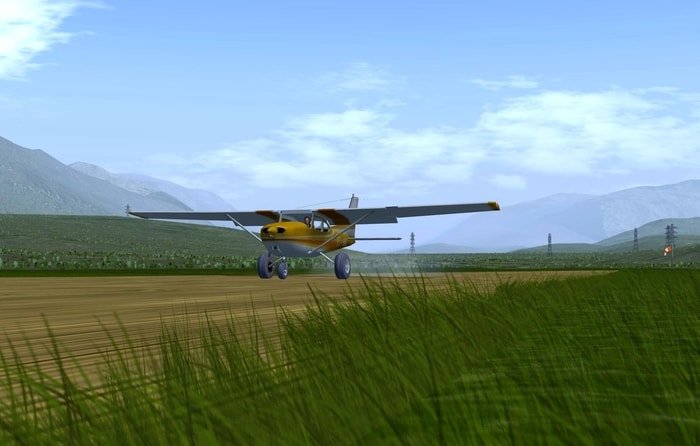
Install FlightGear Simulator on Ubuntu Linux
Method 1: Install FlightGear via PPA
Run the following commands into the Terminal one by one to install the FlightGear on Ubuntu and other Ubuntu derivatives.
sudo add-apt-repository ppa:saiarcot895/flightgear
sudo apt-get update
sudo apt-get install flightgear
How to Remove the Package
To uninstall it, just run the following command in the terminal:
sudo apt-get remove --autoremove flightgear
And remove the PPA by following “Software & Updates” utility and navigating to Other Software tabs.
Method 2: Download the Source Code
Download FlightGear from SourceForge
Note: The features mentioned here are not all-inclusive. The features mentioned are compiled either from their respective official websites or my personal experience using them.



Thanks for the info to install FlightGear. Keep up the good work.