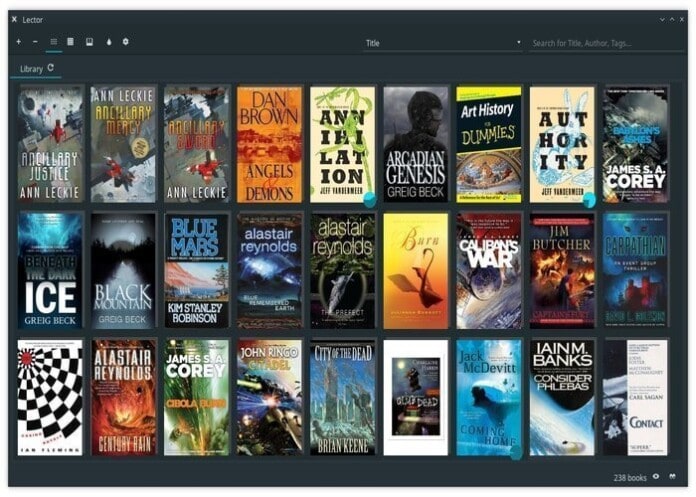
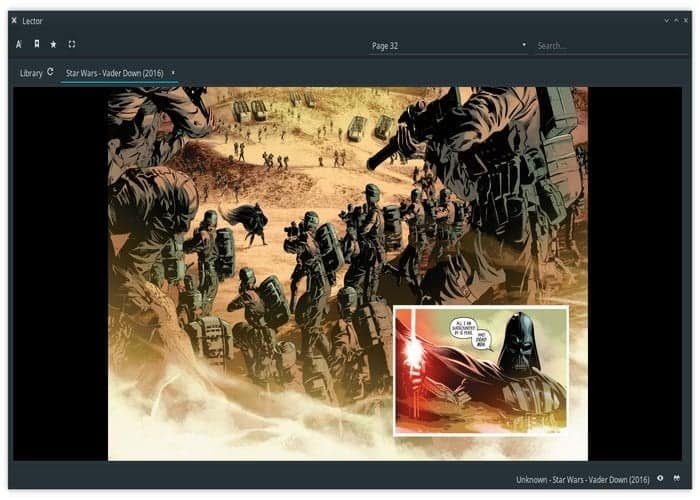
Lector is a new open source qt based ebook reader in the world of the Linux market. It almost supports all the formats, including EPUB, MOBI, and AZW. Comic book lovers, don’t get upset; they also promote comic book files in CBZ and CBR format. Lector is not only an ebook reader. Instead, it’s a full-fledged ebook management app like Calibre.
Now let’s have a look at the list of its essential features.
Features
- The initial setup is effortless and straightforward. You need to locate the book folder, and the rest will be handled by this app.
- Displays all the books in a friendly and browseable fronted view with book covers.
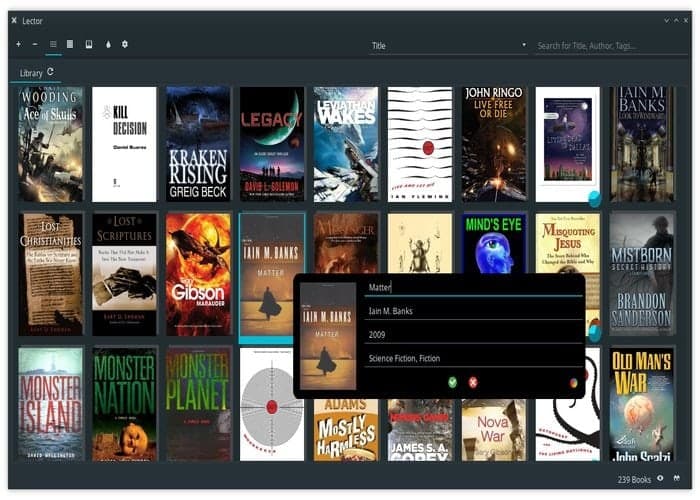
- The menu helps you sort out books by the author, last read, title, and much more.
- Lector does not copy your ebooks to any other folder from the original location, thus prevents duplicate content creation.
- A user can edit book metadata like genre, title, publication year, author name by right click on any displayed ebook.
- The double click lets you go into reader mode.
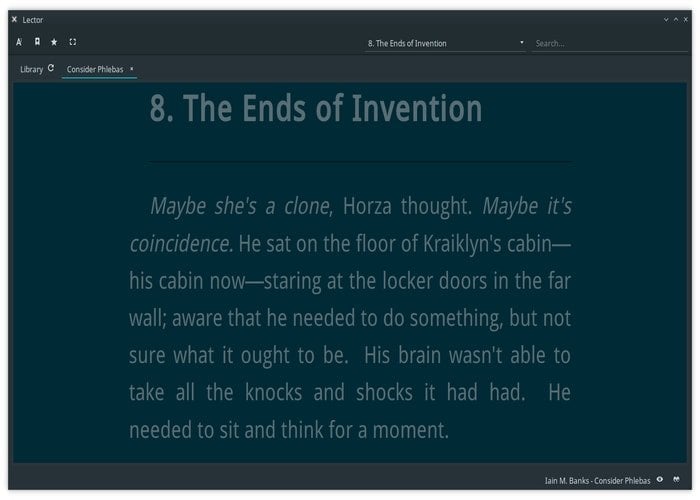
- Lector let the user change the various option of the app like font size, color, font, zooming control, and so on.
- A user can also bookmark the pages and control all the bookmarking through the bookmark sidebar.
- It has an in-app dictionary that helps the user get the meaning of unknown words encountered without leaving the app.
Lector is in a very early development stage, but you can have a look and taste of this beautiful ebook reader as a Bookworm. At this stage, it might be buggy and missing some critical features.
At this moment, installing on Ubuntu is difficult but already available in AUR for Arch Linux. Here I am redirecting you to the official Github project page for the necessary installation process.
Thanks for reading and your patience moment. Share on social media if you like this site.
Image collected from Official Github page.



Lector is quite a pain to get successfully installed on Ubuntu. In fact, if it weren’t for the fact I also use Antergos on one of my laptops, I may never have had the pleasure of checking Lector out. It’s such a cool application and Lector’s interface is just beautiful. Lector’s developers are looking to make it a viable alternative to Calibre, it appears.
It already offers some significant functionality and is much nicer on the eyes than Calibre. Definitely a project I will be following closely. Lector is in serious need of being made available as a Snap, Flatpak, or Appimage. Otherwise, installing Arch/Arch-based Linux is the easiest way to be able to check it out I am afraid.
I must admit the Arch software repository and the AUR help to make a very strong case for using Arch/Arch-based distributions. If an application exists, it’s available to Arch.
can someone helpme get this setup in ubuntu?