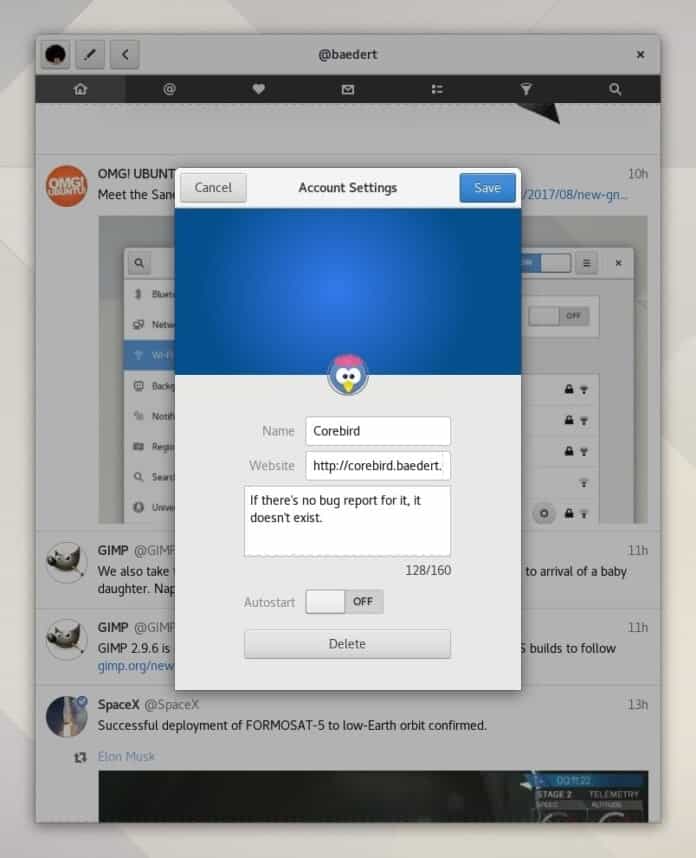
Corebird is an open source Twitter client application. It works well on any Linux distribution. You can efficiently manage your Twitter account with it. If you use Twitter regularly, then this well-designed and nice-looking native Twitter client is perfect for you. It provides many features, mainly sharing images, tweeting, direct messages, following and unfollowing other accounts, searches, and clickable hashtags, and much more.
Features:
- Offers you to redesign account wizard
- Offers save your media attachments very easily.
- Added “reply to multi-person tweet” features
- Text selection supports in DM.


Users can install it via PPA or as Snap. So anyone can install it on all the Linux distros which support Snap. There are lots of ways to install this app on Ubuntu or other Linux distros. Here I will be trying to give all those. You just need to choose the right one for your system.
How to Install Corebird Snap on Ubuntu and Other Linux Distros
Open the Terminal and run the following command to install this app as Snap on Ubuntu or any snap supported Linux distros:
sudo snap install corebird
In the Ubuntu system, you need to install some additional packages, which helps to solve some while opening a link in Snap apps on a non-Snap browser. Run the following command to install all those essential packages:
sudo apt install snapd-xdg-open
Install Corebird on Ubuntu via PPA
If you want to use a traditional way to install it. You should install it via PPA.
First of all, open the Terminal Window and type the commands one by one.
sudo add-apt-repository ppa:ubuntuhandbook1/corebird
sudo apt update
sudo apt install corebird
Flatpak and Flathub
If you have set up Flatpak and Flathub on the system, This app can be installed from Flathub using the below command:
flatpak install flathub org.baedert.corebird
How to Uninstall
If you want to remove the apps, run the following command:
sudo snap remove corebird
For removing regular packages, use:
sudo apt remove --autoremove corebord
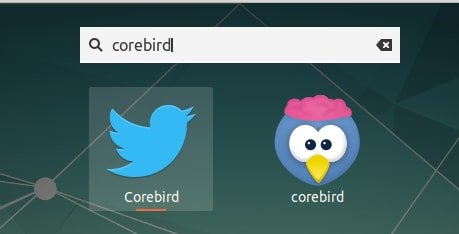
Finally, my suggestion is to avoid Snap installation if your internet connection is slow because it requires more than 122 MB of data. In this case, follow the traditional one – install Corebird via PPA, which will take only 2.2 MB of data.