HandBrake is a completely free and open source tool for converting video files from nearly any format to selecting widely supported codes. It’s a multiplatform and multithreaded video transcoder available for all the major OS, including Linux, Windows, and macOS. Modern and smooth file coding uses third-party libraries such as Libav, libvpx, and x265.
It helps you make all video files compatible with modern devices, such as iPhones, Android devices, smart TVs, Fire Stick, and much more, so you can run your favorite files across devices.
Important Features
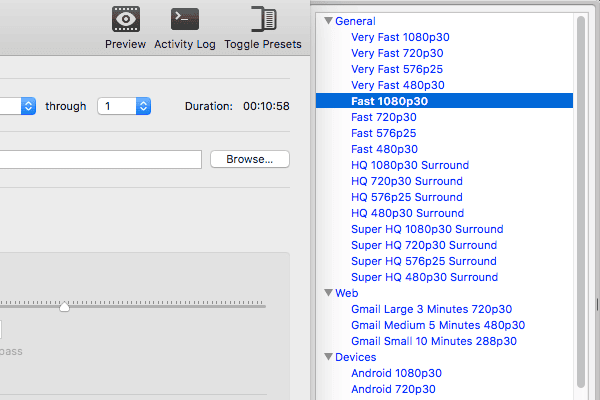
- There are no Built-in Device Presets available for standard or high-quality conversions.
- Very simple and easy to use.
- HandBrake is a good choice for both new and advanced users.
- There are a lot of advanced options to improve your encodes.
- HandBrake can process most modern and common multimedia files that obviously don’t include any copyright protection.
- A wide range of output files is supported.
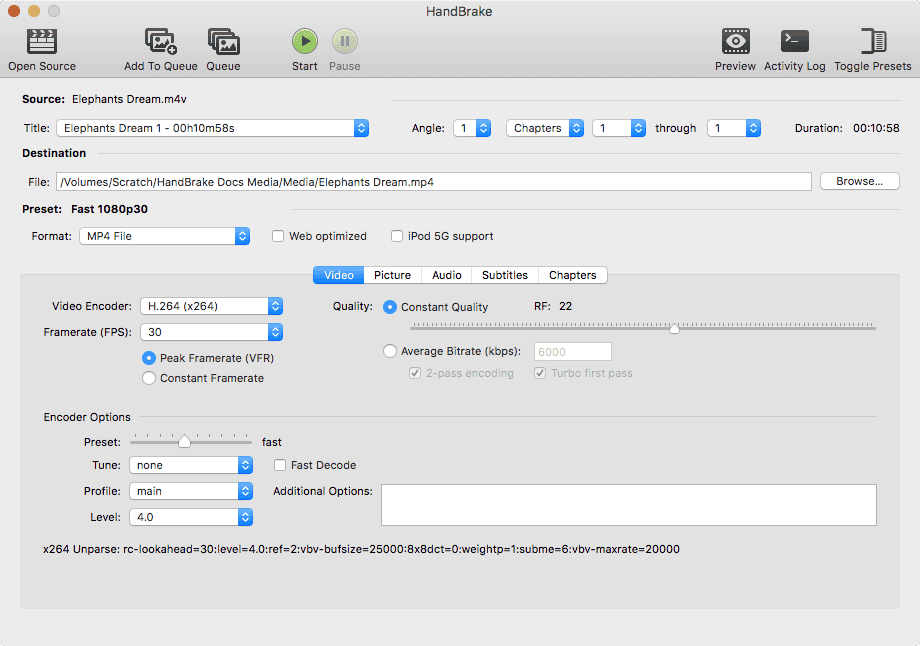
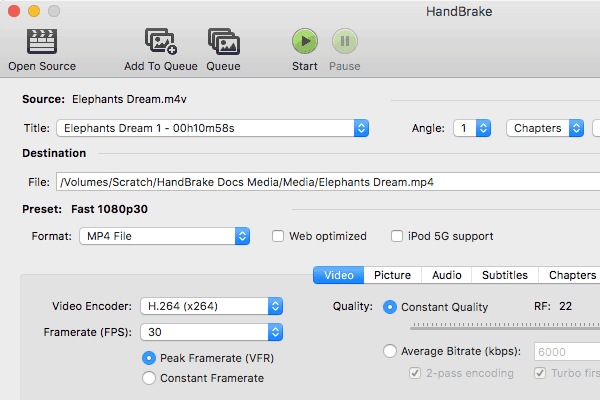
- Support for VFR and CFR.
- Chapter markers and subtitles.
- Live Static and Video Preview.
- Hardware acceleration.
How to install HandBrake on Ubuntu
- Method 1: Install via Official PPA
Now, you can install the HandBrake video transcoder through the official PPA. Run the following commands one by one into the Terminal:
sudo add-apt-repository ppa:stebbins/handbrake-releases
sudo apt-get update
sudo apt-get install handbrake-gtk handbrake-cli
Remove the HandBrake Software
If you want to remove the installation and purge the PPA, run the below command:
sudo apt-get remove --autoremove handbrake-gtk handbrake-cli
Now launch “Software & Updates >> Other Software” to remove PPA.
- Method 2: Download Source code
If you are not comfortable with the PPA installation or just want to install it on another Linux system, then download the source code and install it.
Source code from Official site Source code from GitHub
Note: The features mentioned here are not all-inclusive. The features mentioned are compiled either from their respective official websites or my personal experience using them.
PS: If you liked this post, please share it with your friends through social networks or simply leave a reply below. Thanks.


Last command handbrake-gtk han
Results in unable ro locate package