
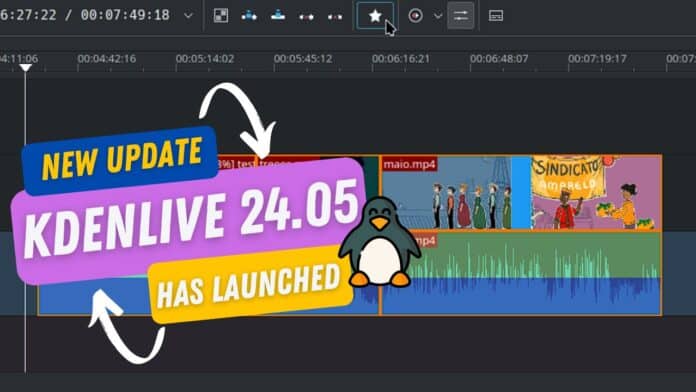
Here comes Kdenlive 24.05, with many improvements and audio enchantments for the best possible outcome. The Audio Capture function is renewed in a better way in this update. So, you will have a stable audio editing experience that is better than before.
Also, you will have some new features like Automatic Subtitle Translations and Group Effects here. Besides, this release brings up numerous performance upgrades that significantly enhance efficiency and responsiveness. Here, the app interface is more polished in this version. You will also see fewer bugs than before.
Right now, Kdenlive is offering almost all the facilities that you will see in a premium-grade video editing suite. And this is all free on the Linux system. Advanced features like multi-format rendering, group effects, audio capture, multiple bins, and others are well maintained.
This update was mainly focused on Kdenlive’s responsiveness and efficiency. Now it runs pretty well, and you can edit on multiple levels without any annoying long loading periods. Moreover, it has a substantial speed boost when moving clips using the spacer tool.
You’ll also get advantages like quicker sequence switching options, better AV1 NVENC support, and more rapid timeline operations. Besides, I love the automatic subtitle feature the most. It now manages automatic subtitle translation using SeamlessM4T.
Another top-notch feature is rendering videos in different aspect ratios. Ajay Chauhan developed this function, which lets you render videos with multiple aspect ratios like square, horizontal, and vertical. And the best part is you can manage it from a single project.
They also introduce a better interface that helps you create and edit external camera proxy profiles. This is pretty cool, right? With this feature, you’ll also get a new proxy profile to use on the Insta 360 AcePro, thanks to Silvan Streuli. This update simplifies working with proxies, and that’s why the editing process has become more efficient.
Here, the audio capture function has been implemented better in Qt6. For that, we should thank Lev Maslov. He also added some extra options for setting the default capture folder, and subdirectory captures, courtesy of Christopher Vollick.
With the recent improvements, you can push the limits of your editing skills. Kdenlive is becoming an all-in-one video production software. The best thing about Kdenlive is that it is free to use, with continuous improvements as a bonus.
As we see, Kdenlive 24.05 is a very strong update that enhances performance, introduces new features, and improves overall user experience. So, if you are still using this tool, try it right now for a brand-new video editing experience.

